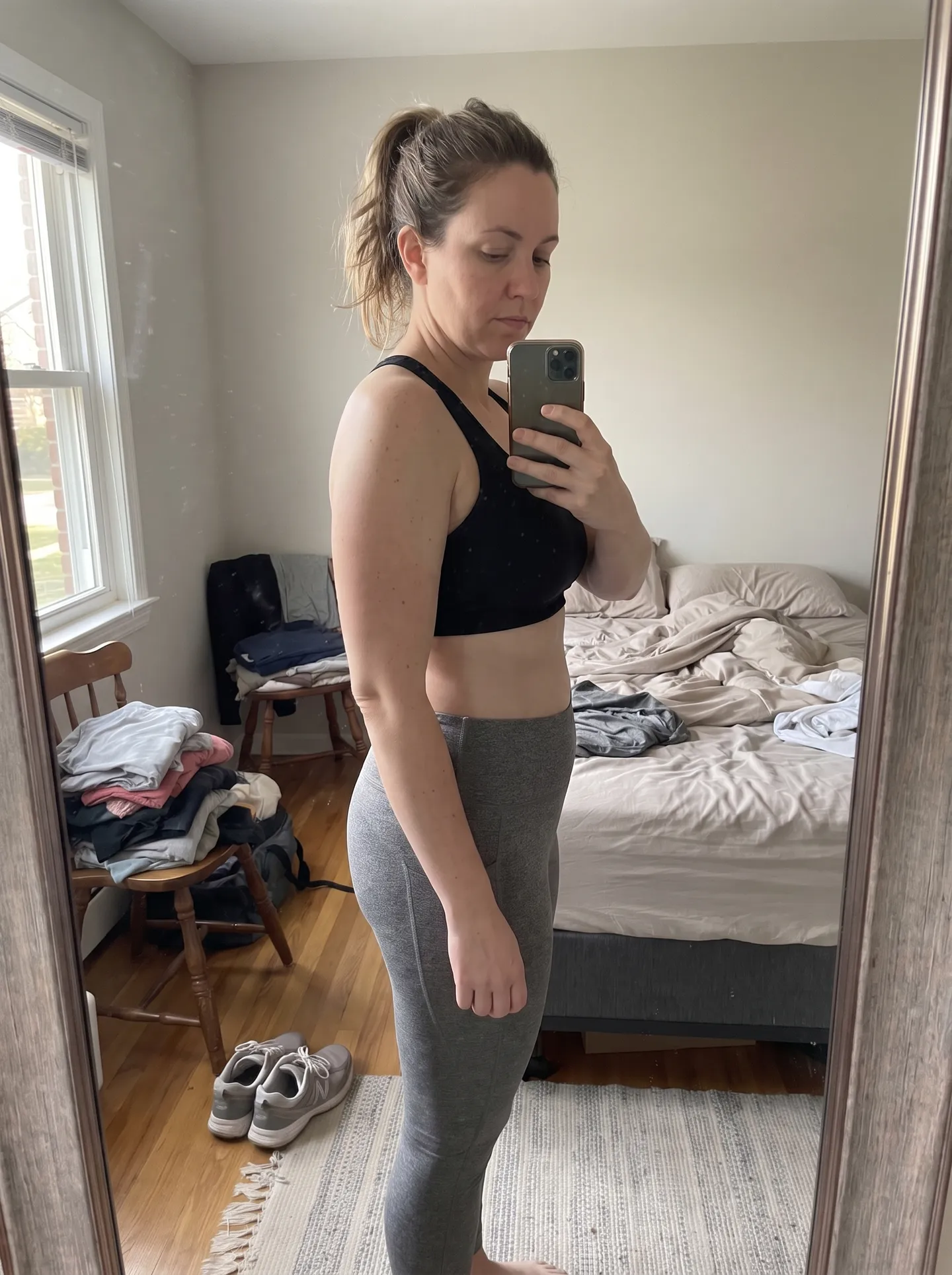
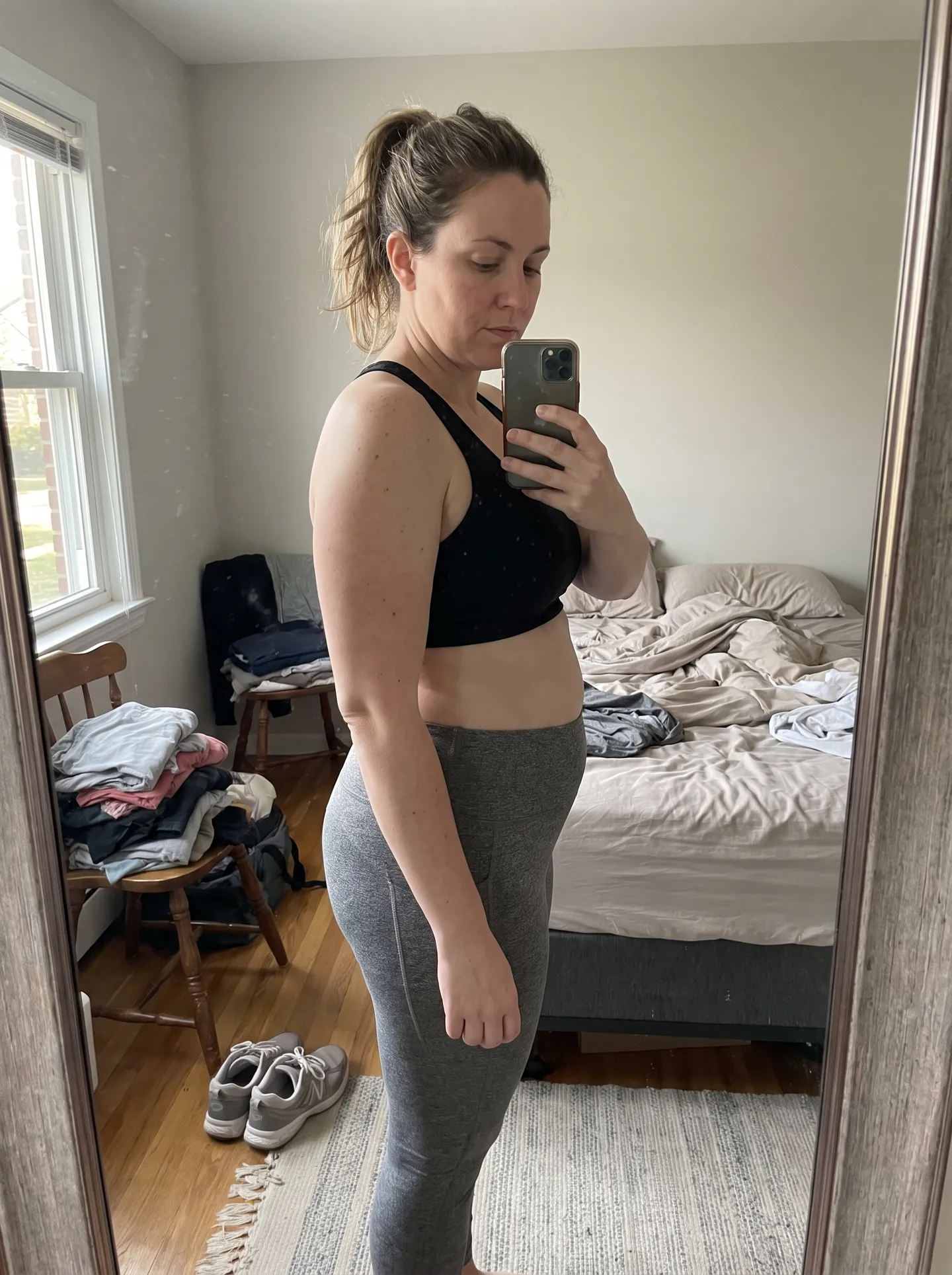
Short answer: there's nothing to download. SeeMyFutureBody is a web app — the full tool works right here in your browser, on iPhone, Android, and desktop. Upload a photo below and you're already using it. If you want it to feel like a native app, add it to your home screen in about ten seconds (instructions below).
Upload one photo, pick a goal, and see a realistic preview in about 30 seconds.
A clear, front-facing photo works best
Your original photo is never saved on our servers or used to train AI. It’s sent securely to Google’s AI to create your image, then discarded.
Free to preview · pay only to unlock the full-resolution image.
AI-generated transformations showing realistic weight loss results
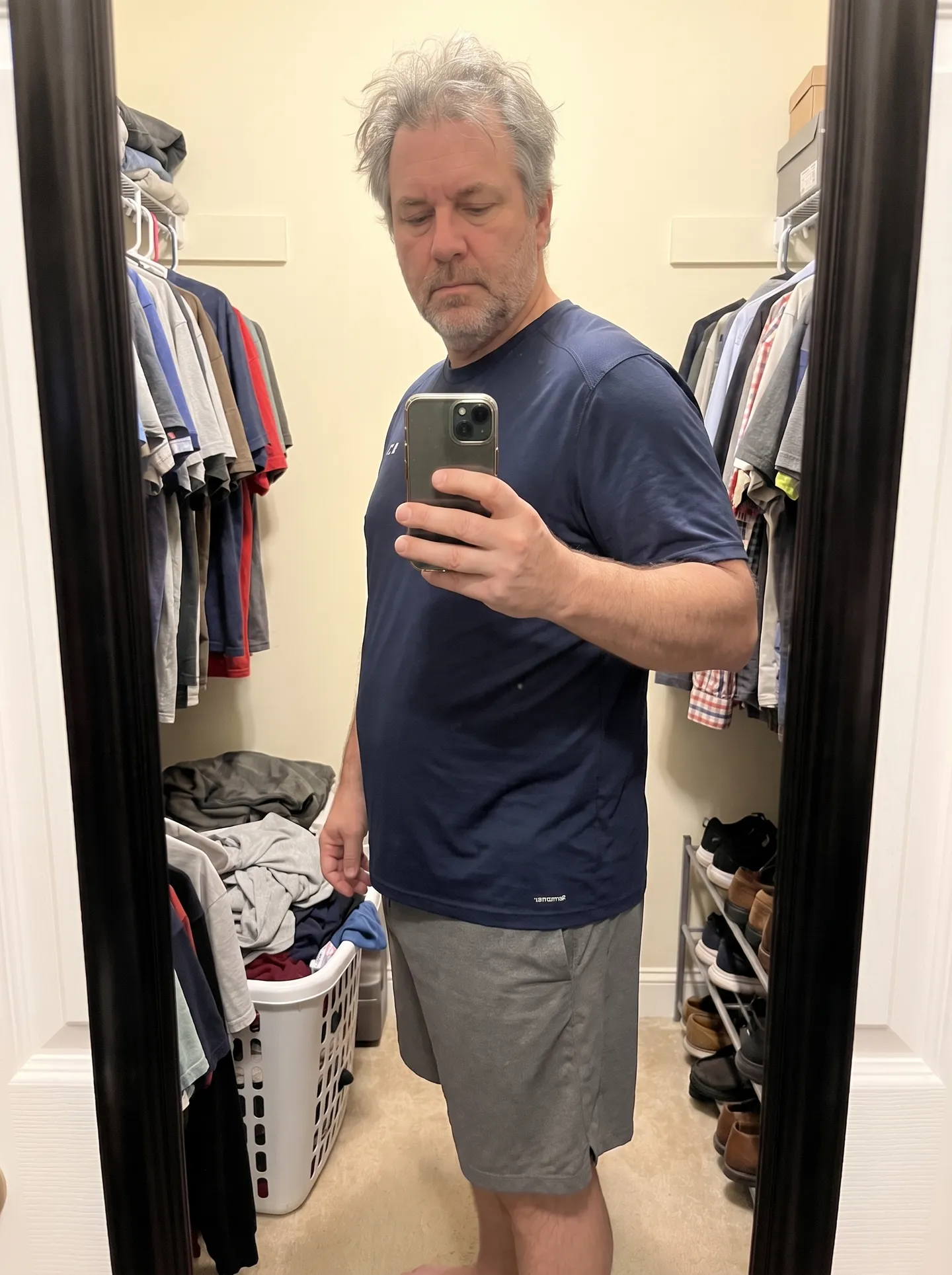
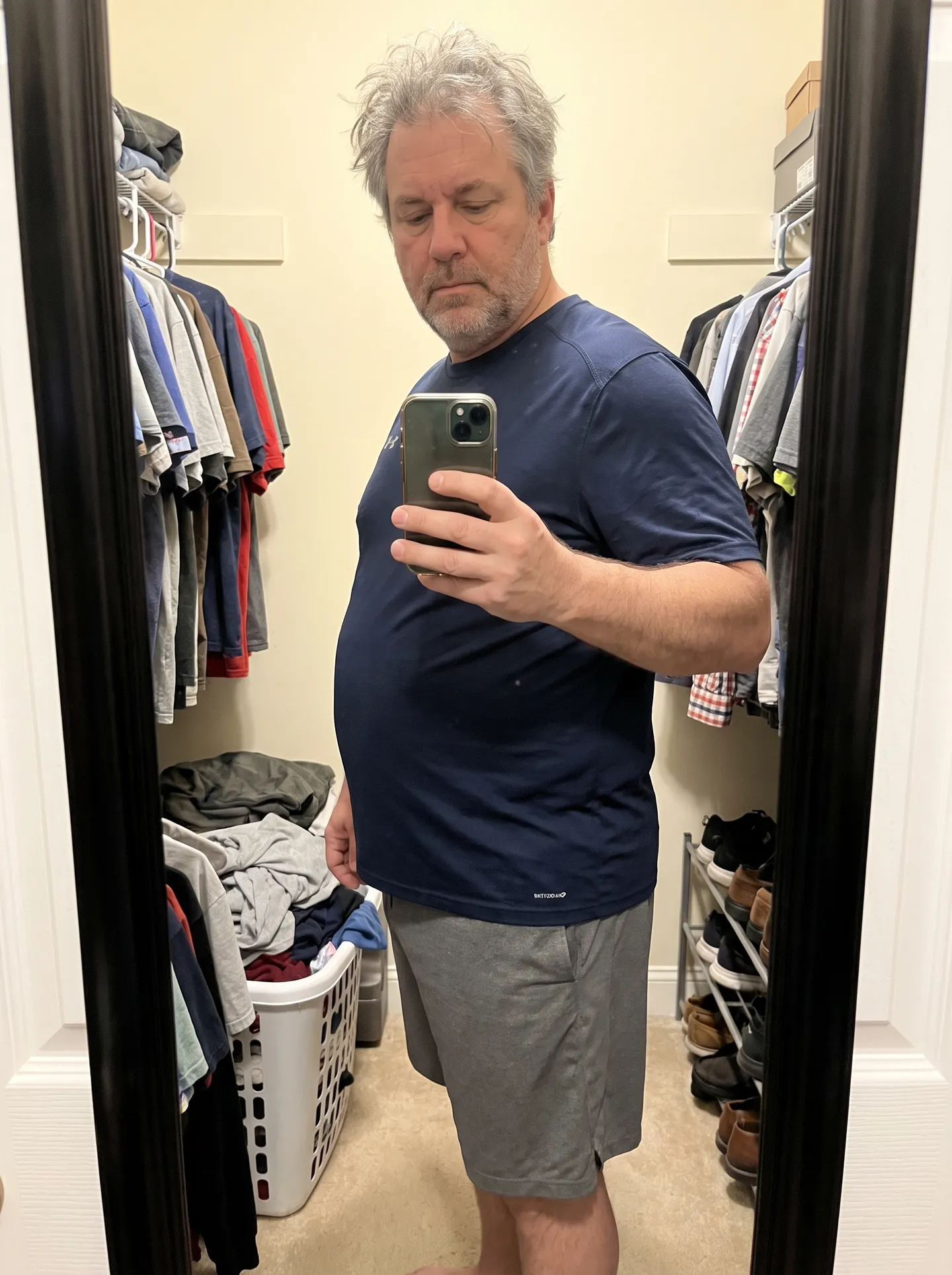
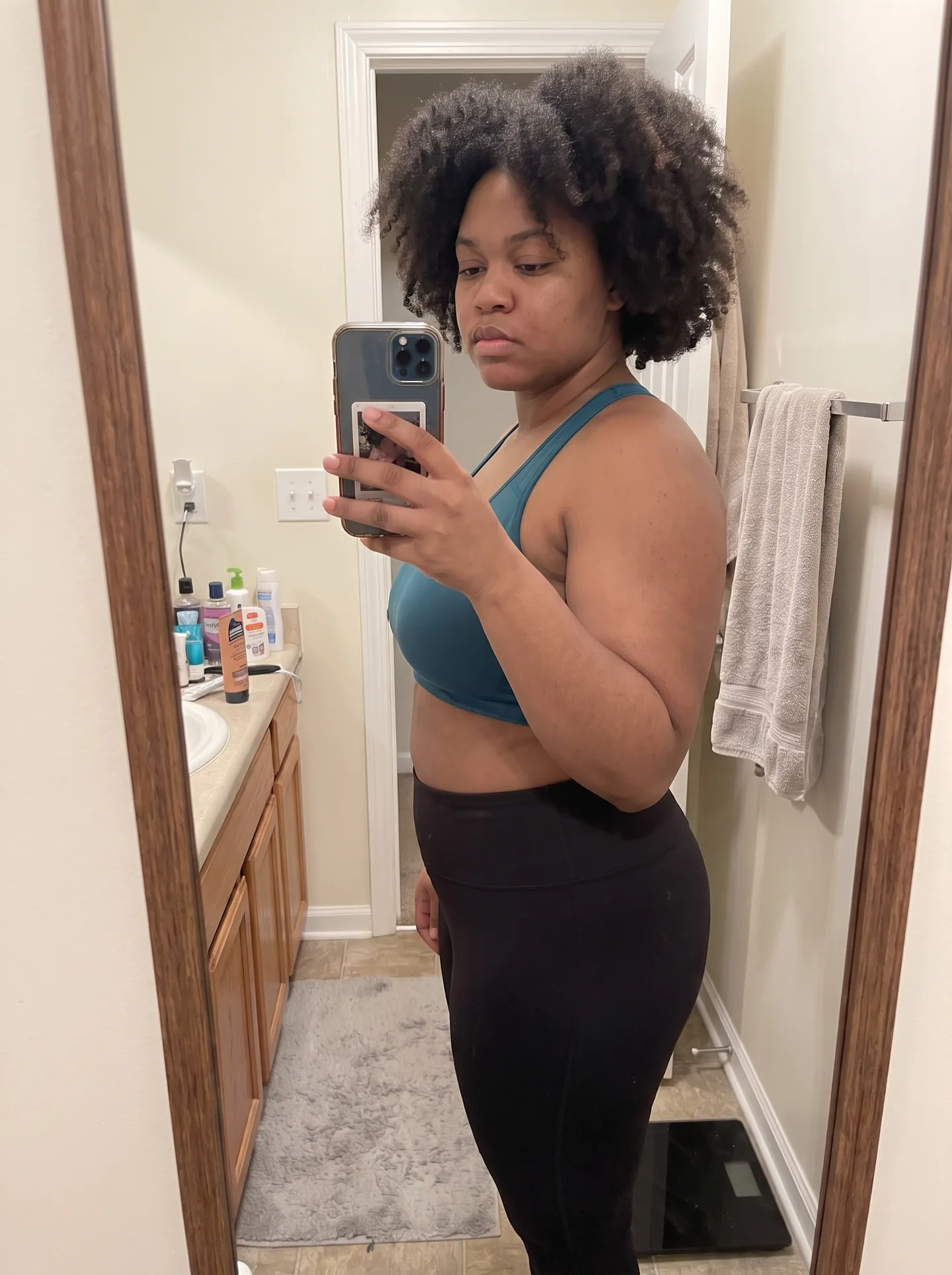
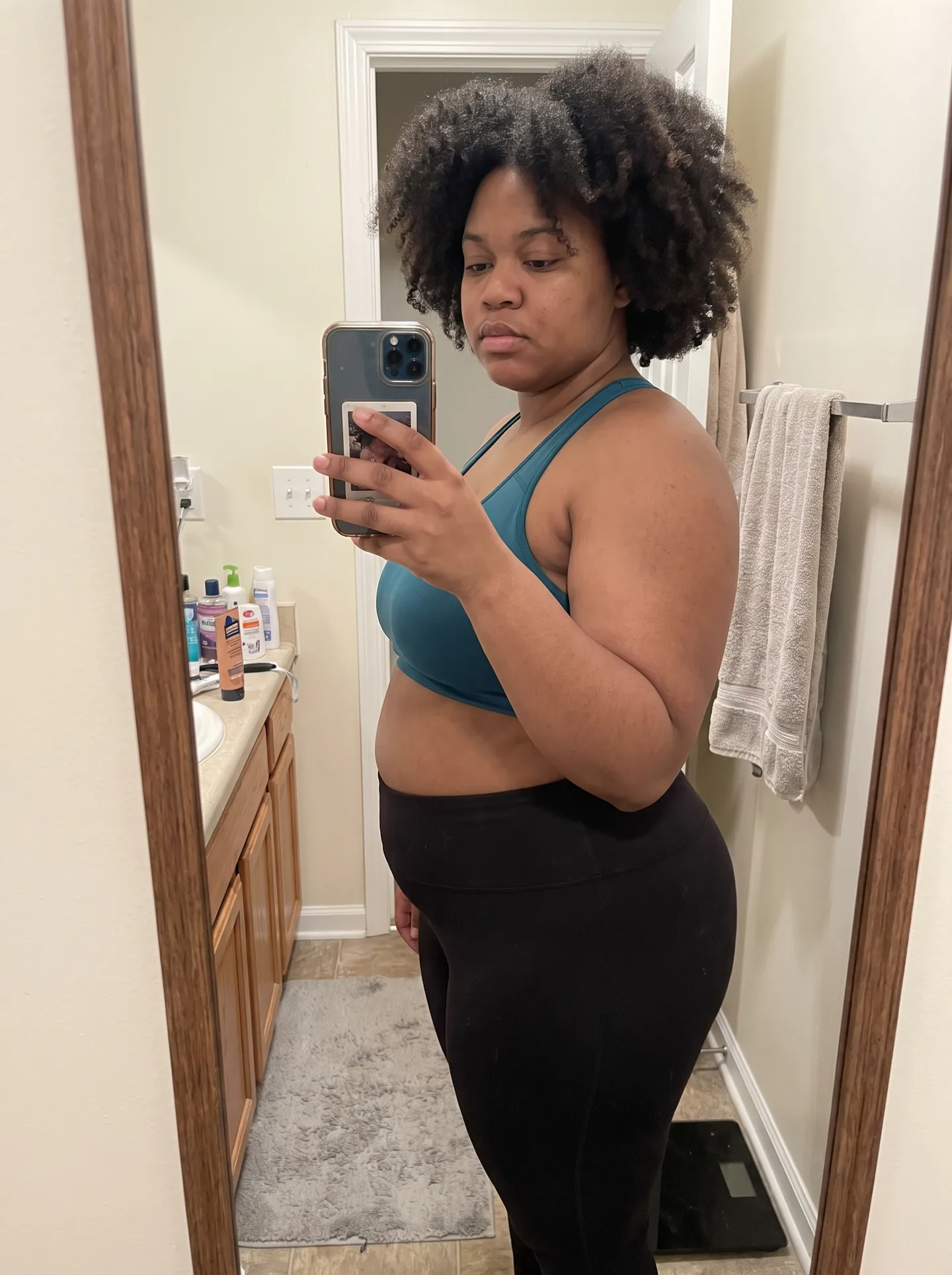
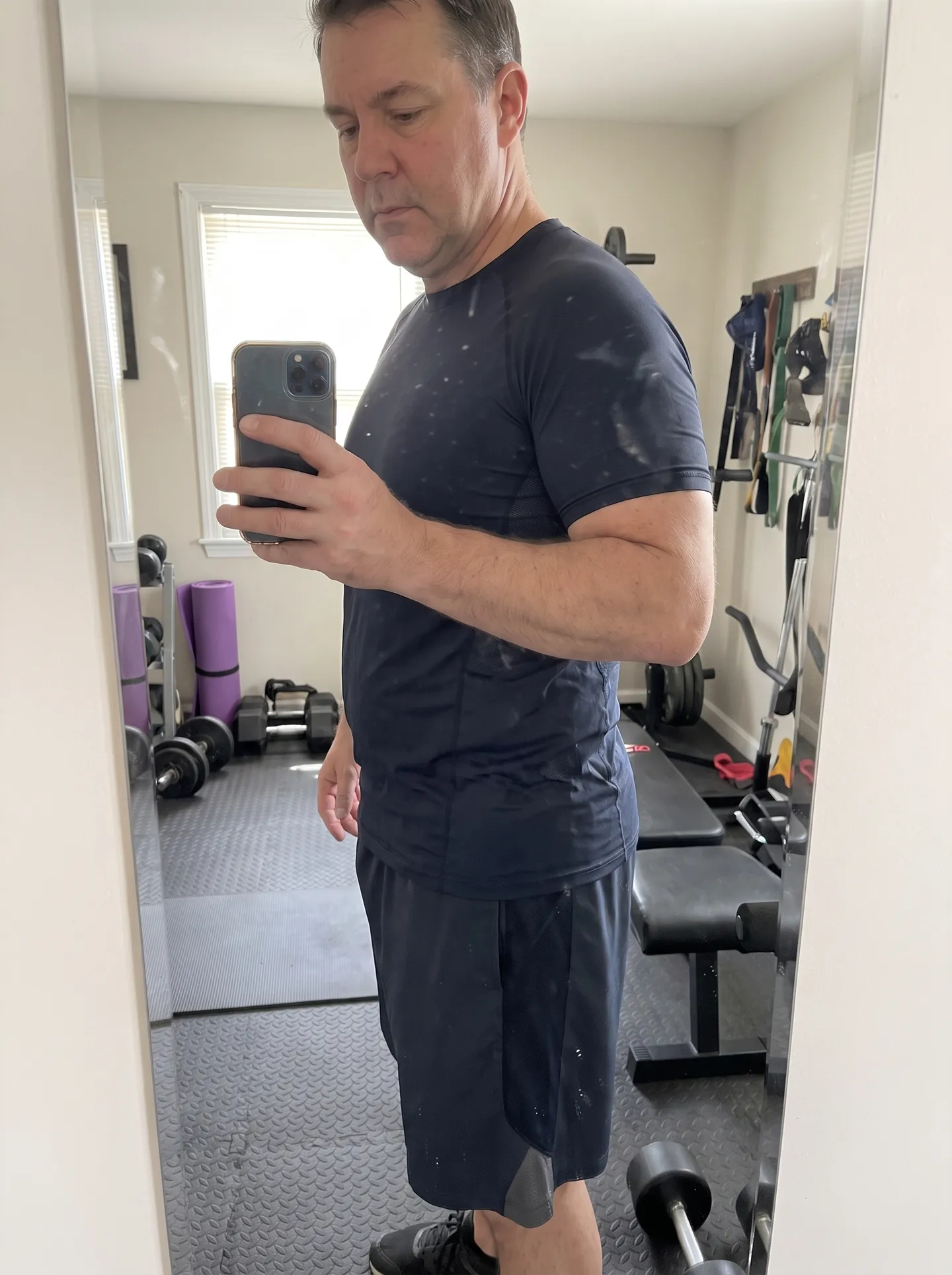
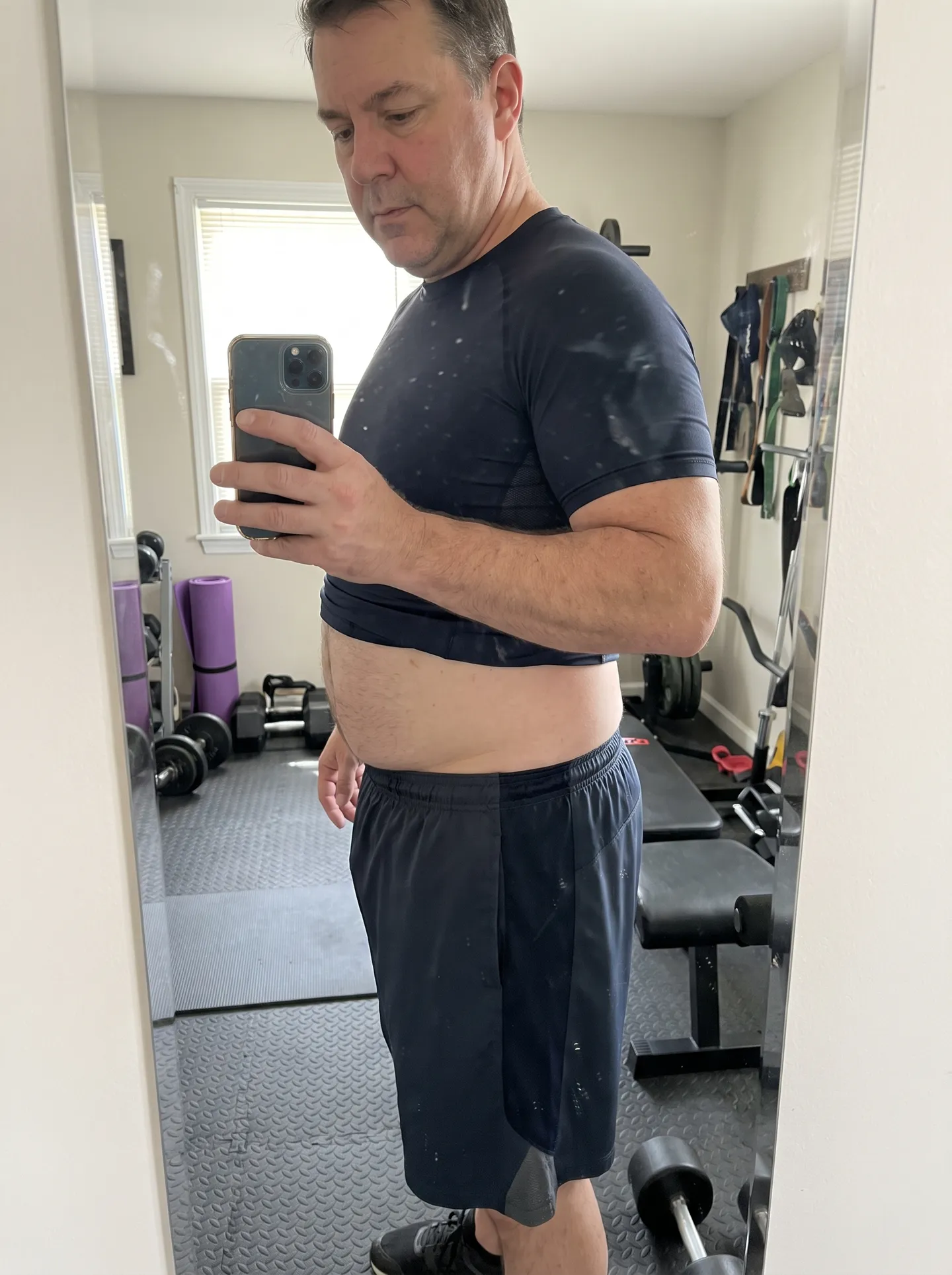
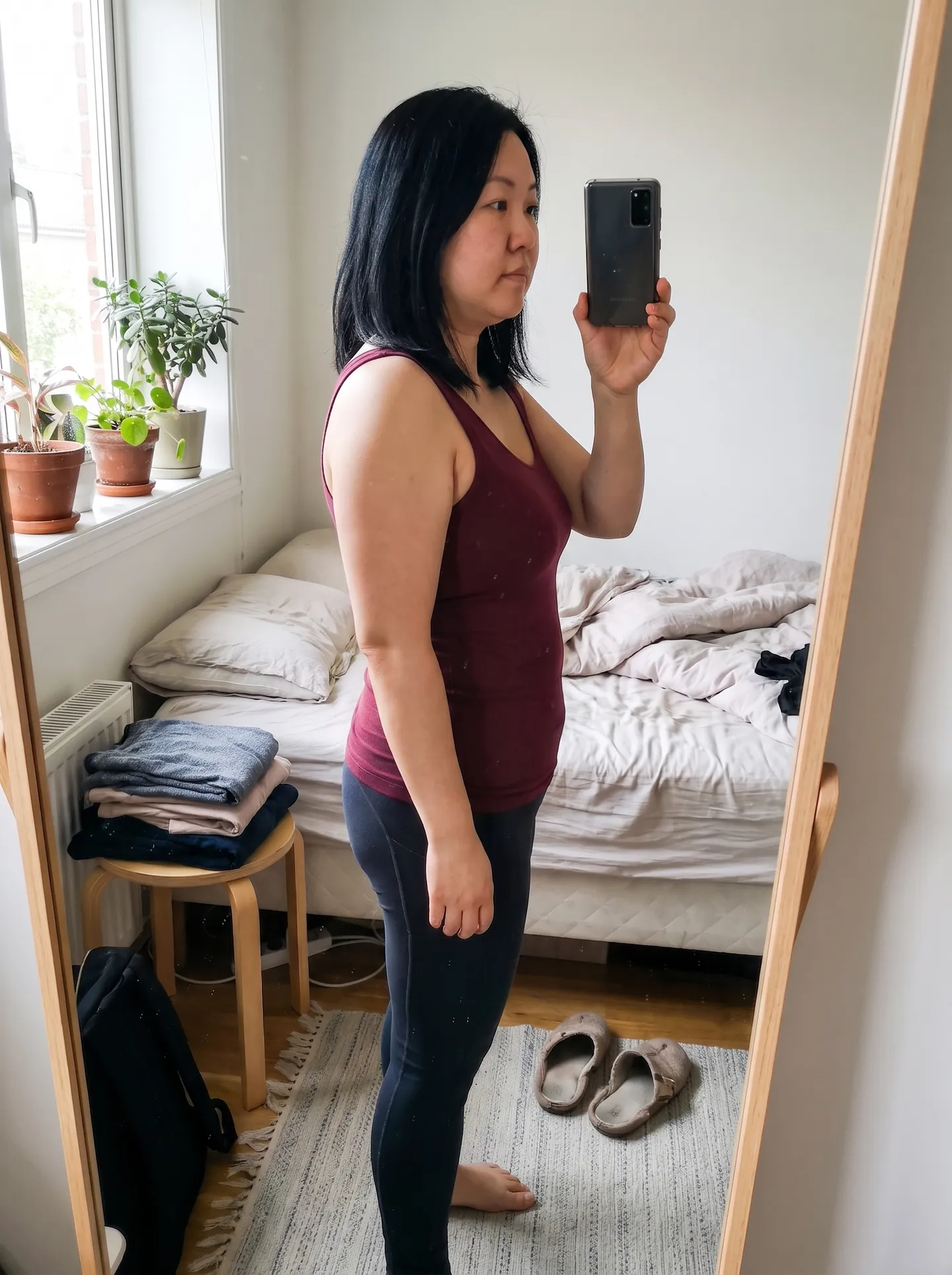
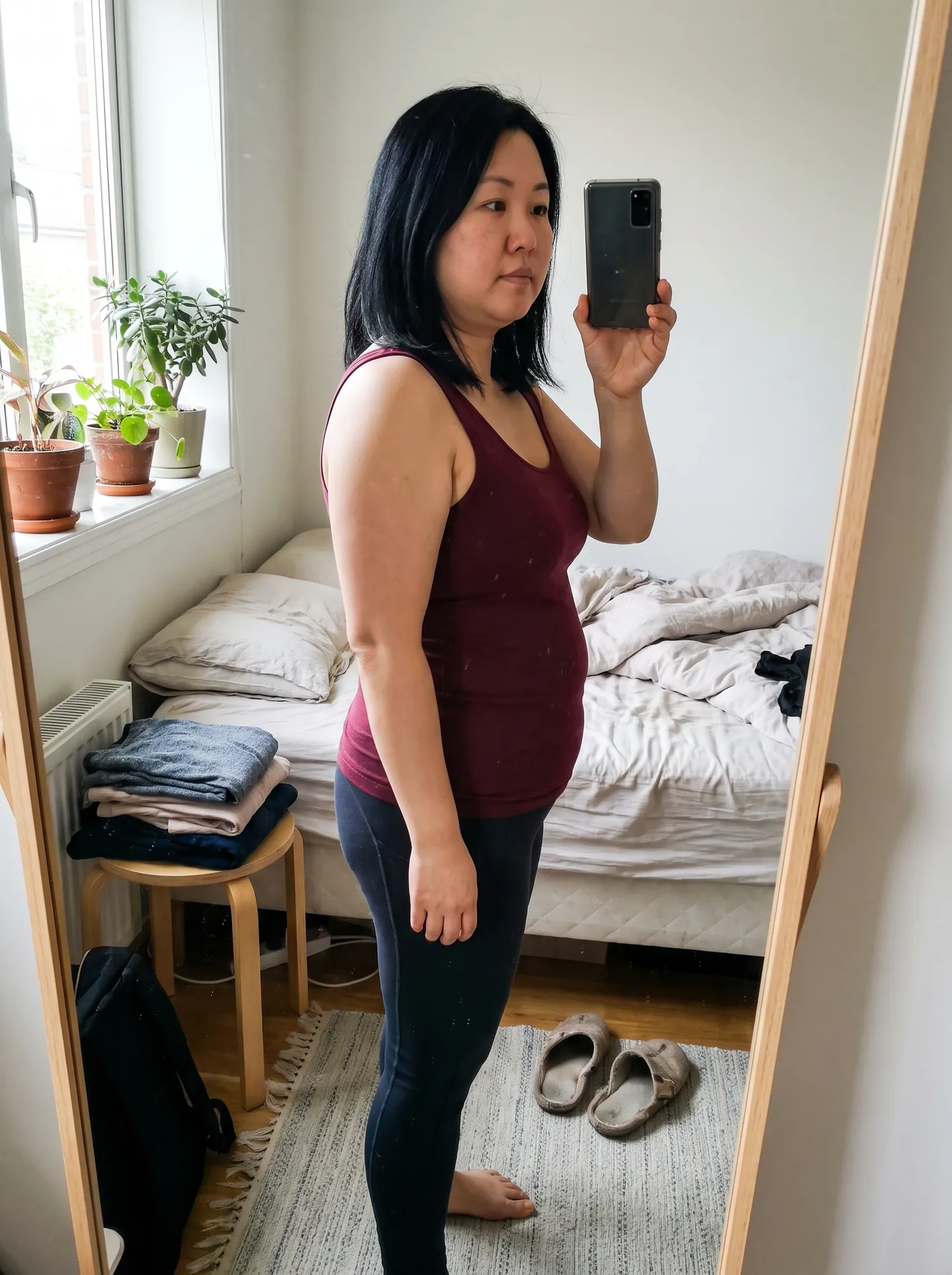
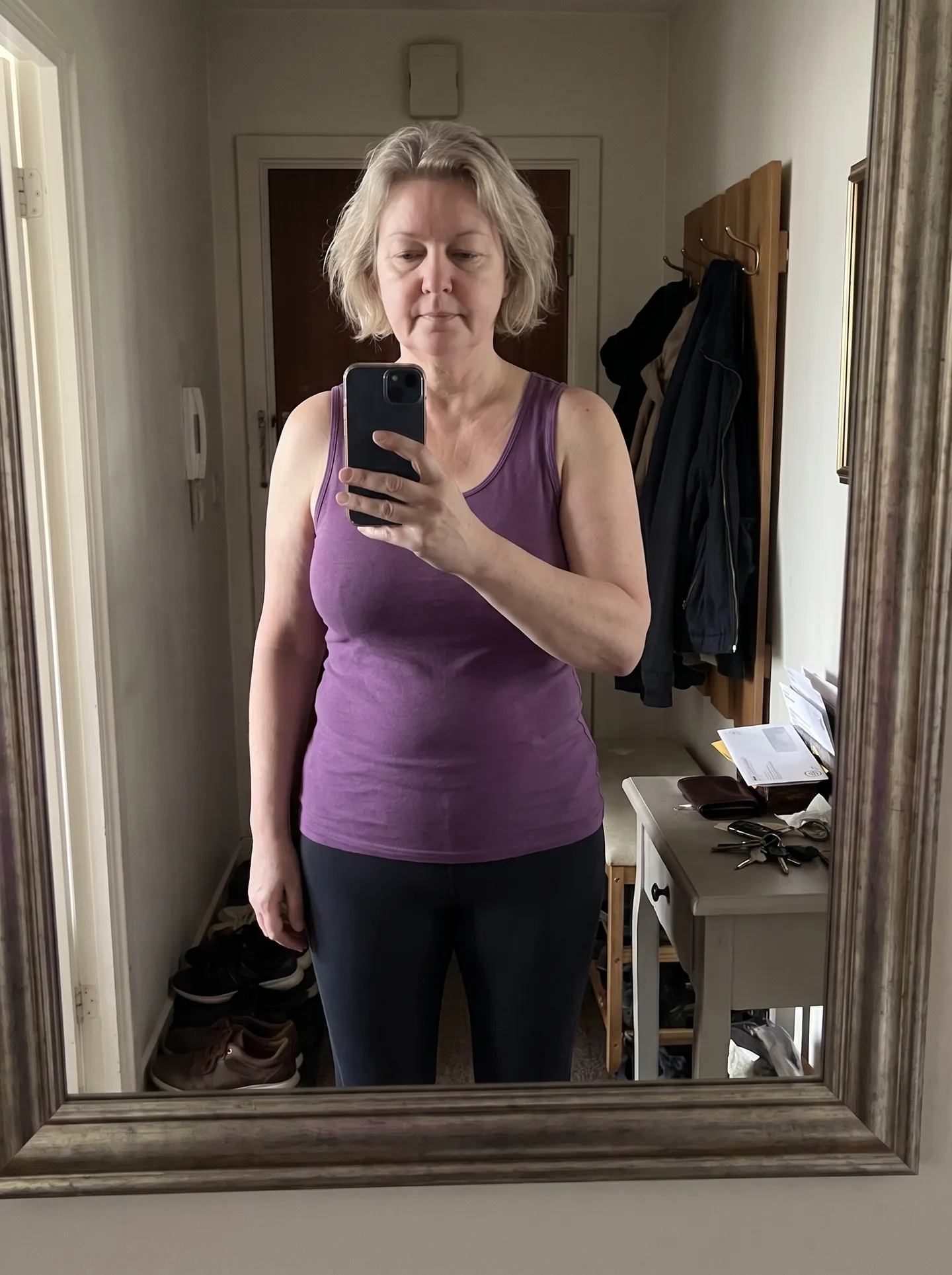
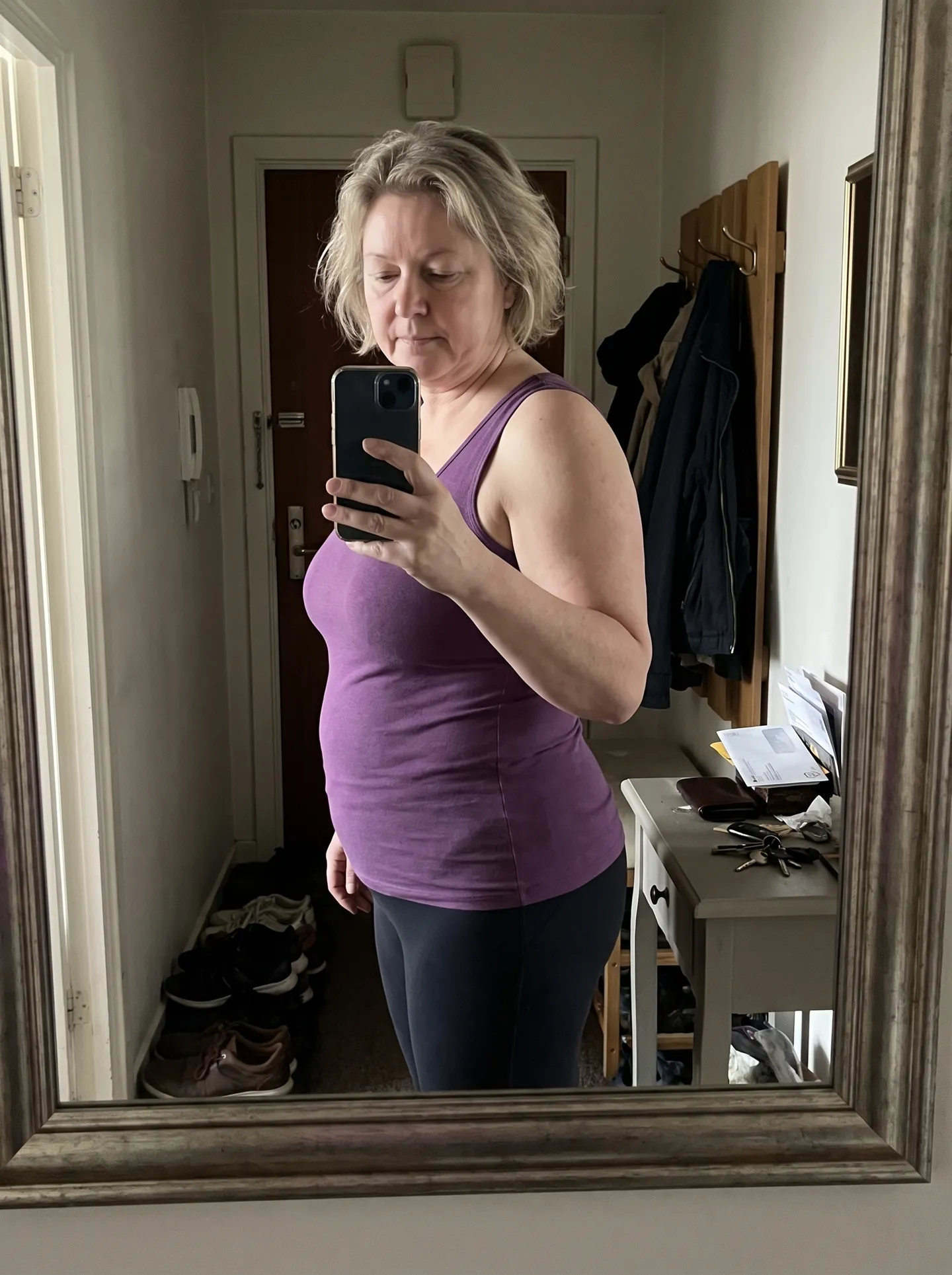
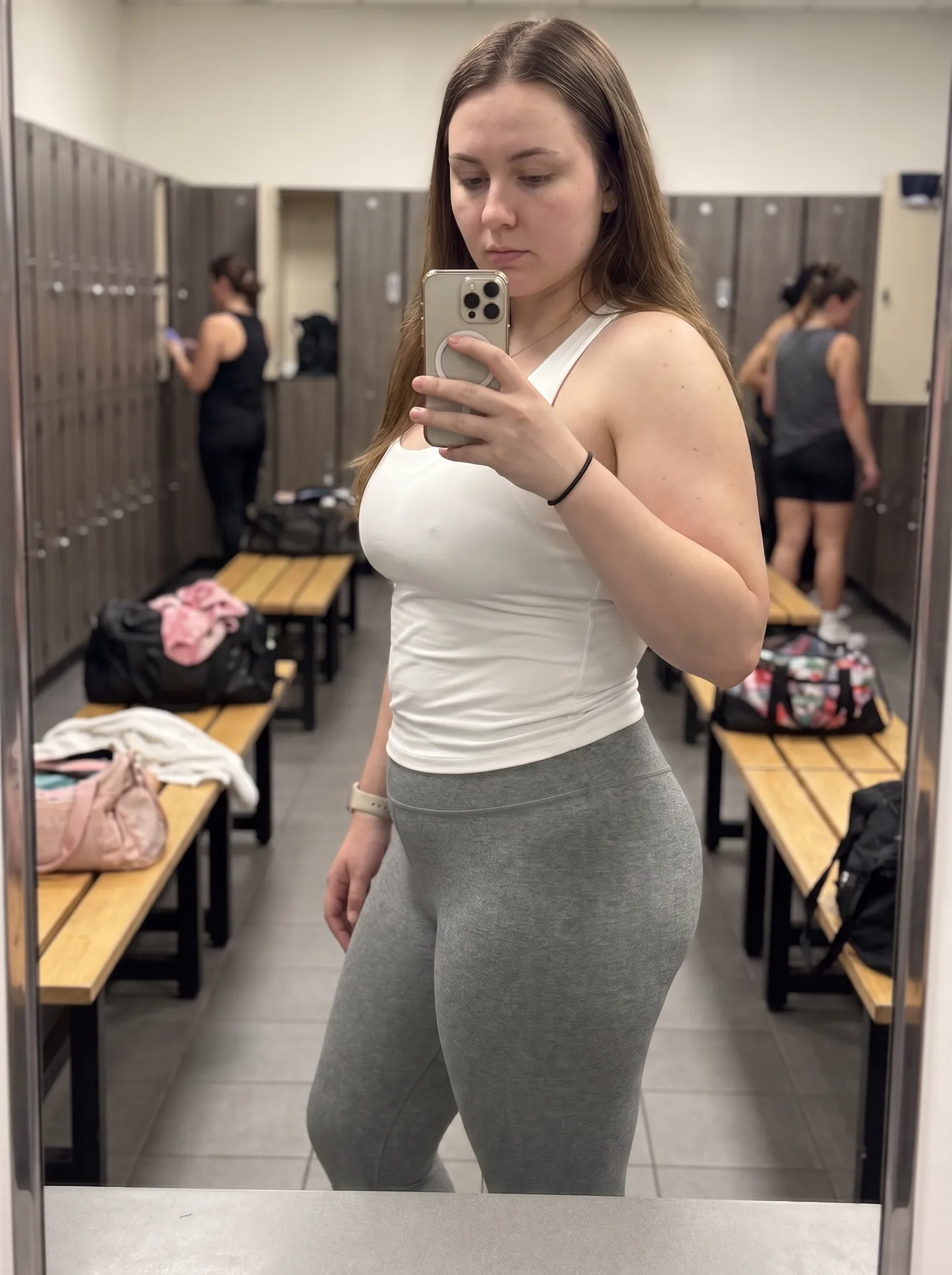
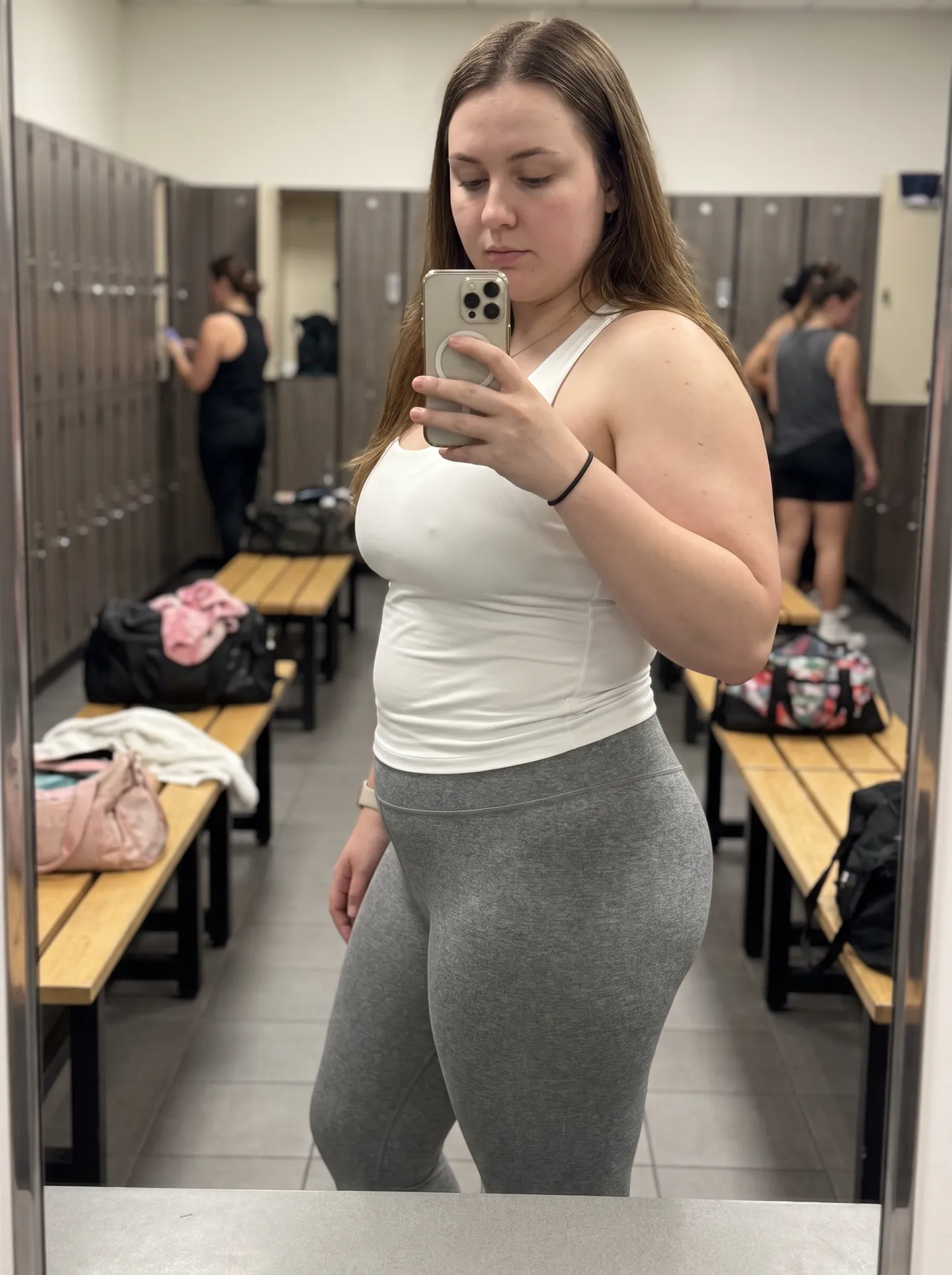
We built SeeMyFutureBody as a web app on purpose: no App Store account, no install, no updates, no storage used on your phone — and your photos never live inside an app on your device.
The visualizer is designed mobile-first: take a photo with your phone camera or pick one from your gallery, choose a goal, and see your example preview in about 30 seconds. All features — weight loss, muscle gain, the 12-month progress timeline — work identically on phone and desktop.
A native app would do exactly what the web version does, but with an install step in between. Keeping it on the web also means your original photo is never saved on our servers (generated images are auto-deleted within 30 days), and nothing is stored in an app on your device, and there's nothing to uninstall.
There's no App Store or Play Store download — SeeMyFutureBody runs entirely in your browser, on any phone or computer. You can add it to your home screen (Share → "Add to Home Screen" on iPhone, menu → "Add to Home screen" on Android) to launch it like a native app.
Yes — the browser version is the full product: weight loss previews, muscle gain, the progress timeline, and your account and credits all work the same on mobile and desktop.
Yes. On mobile, tapping the upload button lets you take a photo directly with your camera or choose one from your gallery.
Yes. Your original photo is never saved on our servers. It is processed in memory and sent securely to Google’s AI to create your preview. The AI-generated preview is kept briefly so you can view and unlock it, then automatically deleted.
Free, instant, photorealistic previews for every goal — pick the tool that matches what you want to see.
