
Free Weight Loss Simulator: See Yourself Thinner From One Photo
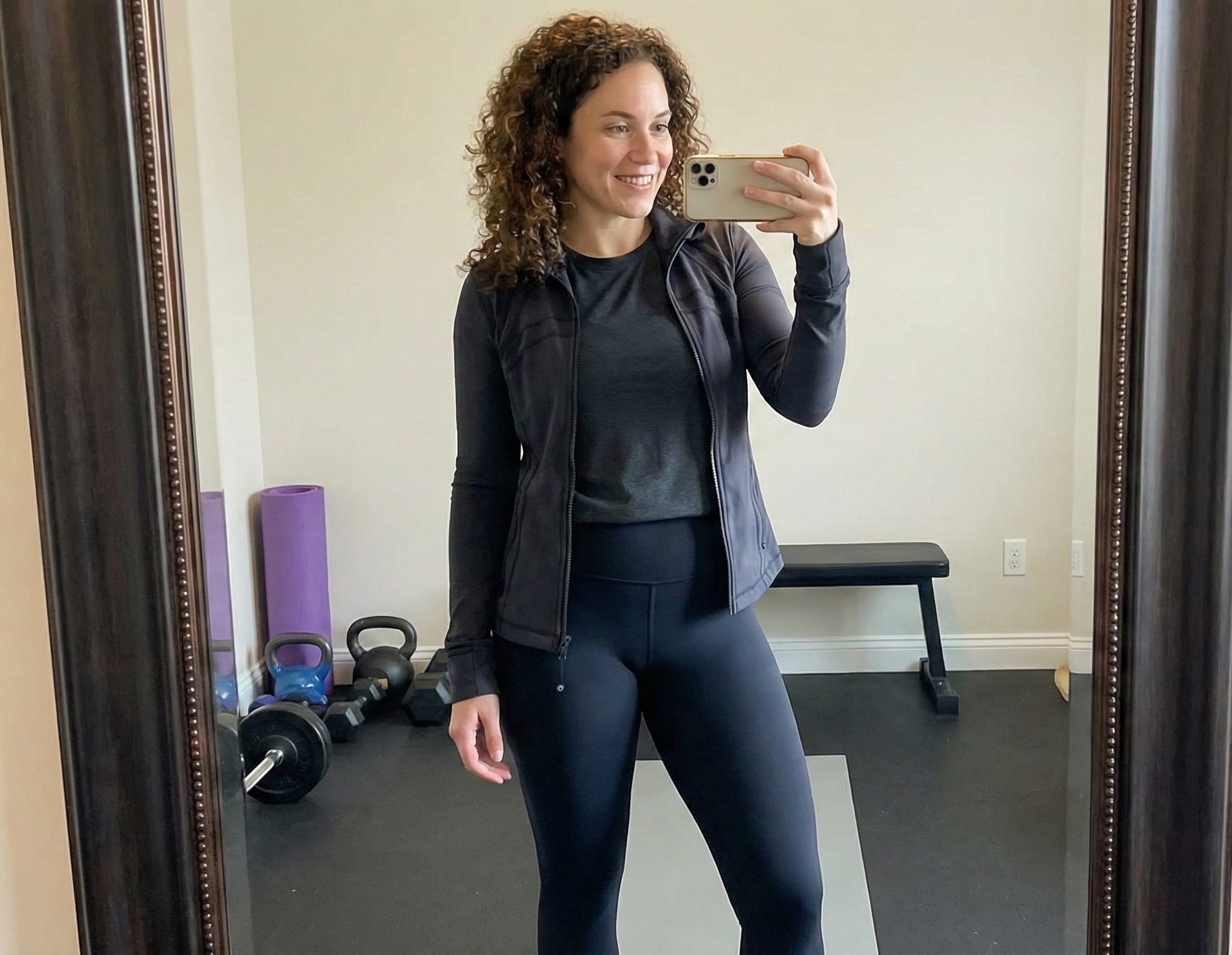
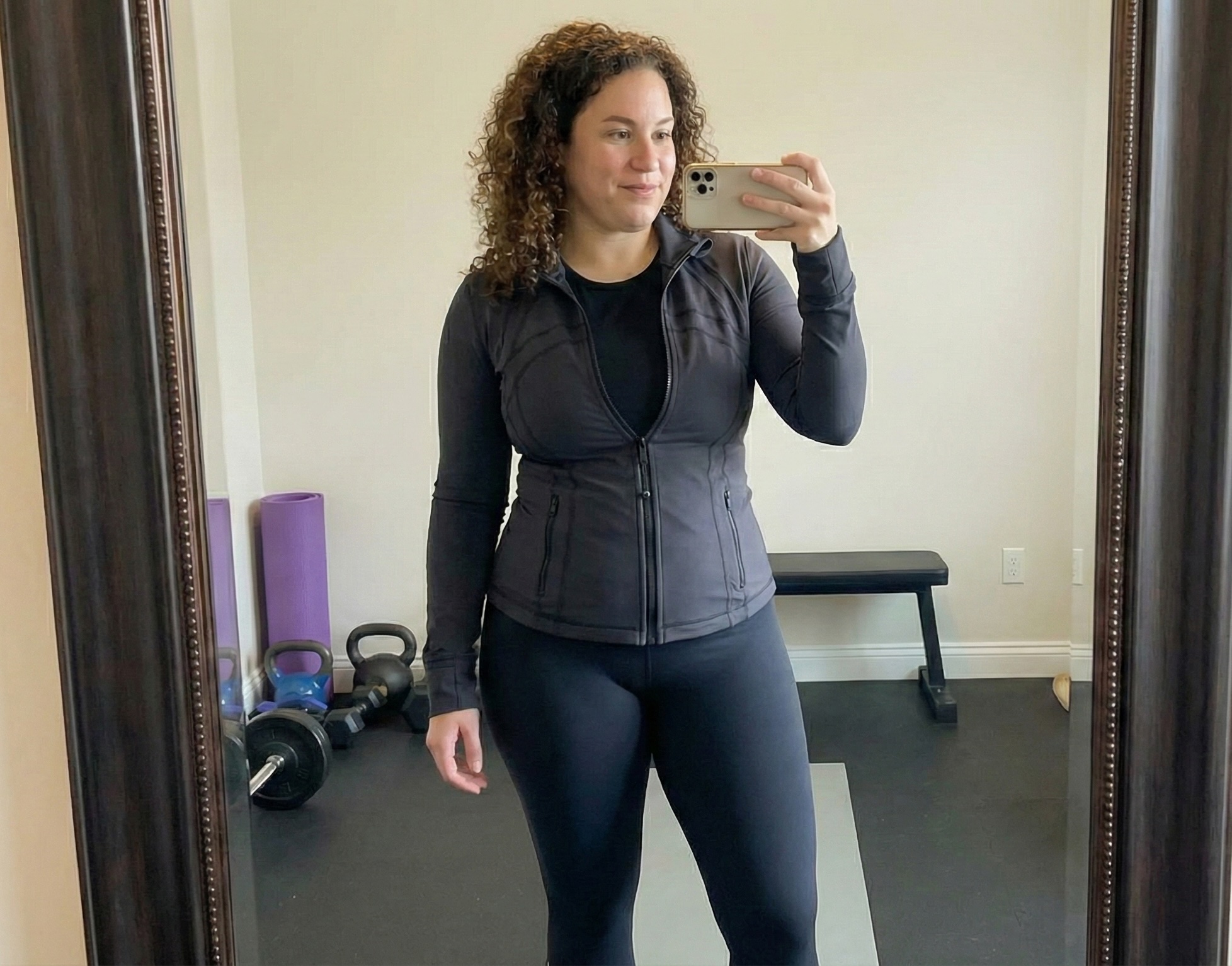
A weight loss simulator answers one simple but powerful question: what would I actually look like if I lost the weight? Not a stock model—you. Here's how modern AI simulators work, and how to use one for free without downloading an app.
What Is a Weight Loss Simulator?
Older "simulators" were crude—sliders that just squished your photo or generic body diagrams. A modern AI weight loss simulator is different. It analyzes your actual photo, understands how facial and body fat distribute, and generates a photo-realistic preview of you at a target weight.
The result looks like you, because it preserves your bone structure, features and proportions while simulating realistic fat loss—not a distorted filter.
Why a Visual Beats a Number
"Lose 25 pounds" is abstract. Your brain has no image to attach to it, which is part of why motivation fades. A simulator converts that number into a specific, recognizable face—a destination instead of a chore. People who can see their goal are measurably more likely to stick with it.
Using the Free Simulator (Men & Women)
- Upload one clear photo. Face or full body both work.
- Pick an amount—anywhere from 10 to 100 pounds.
- See your result in seconds. Photos are processed privately and not stored.
Try it now with the free AI weight loss simulator, or jump straight to a specific goal: 20 lbs, 30 lbs, or 50 lbs.
Ready to see your own transformation?
Upload your photo and let our AI show you what's possible. It takes less than a minute.
Visualize My Weight Loss Now